App: Help me
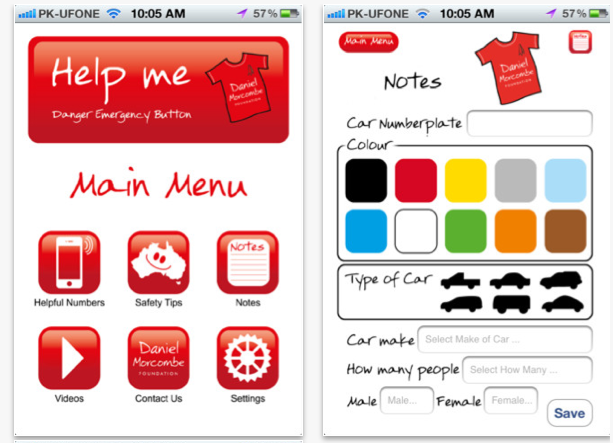
Introducing the Daniel Morcombe Foundation ‘Help Me’ App (iOS, Android). A great way to not only help keep kids safe, but assist people of all ages, from 7 to 97, covering all kinds of personal emergency situations!
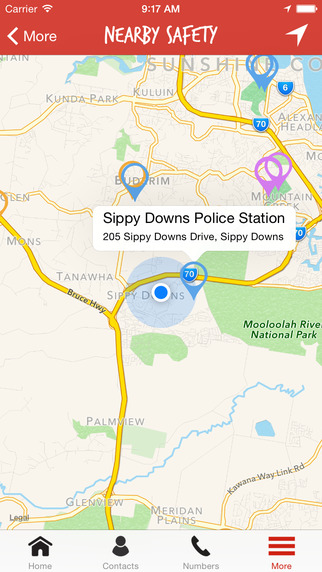
The ‘Help Me’ button sounds a warning and allows you to can send off an SMS text to two (2) nominated ‘safety’ numbers, as part of your Trusted Safety Network. Included in the text are GPS co-ordinates from where the text was sent, so the sender can be located or a last known place of contact is indicated.
Creating your safety network…. for free
Mobile phone numbers for your “safety” numbers are easily obtained from your Contacts with a simple manual check and upload of the numbers. These numbers form part of your Trusted Safety Network and can be simply changed at any time by going to the Settings menu item and updating your desired numbers. This is particularly helpful when people are not in your immediate area, there are shared parental responsibilities or someone could be away on holidays for a period of time.
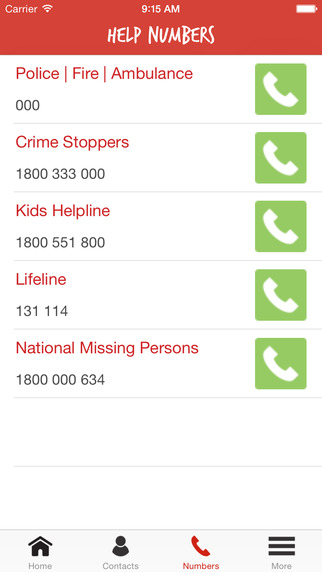
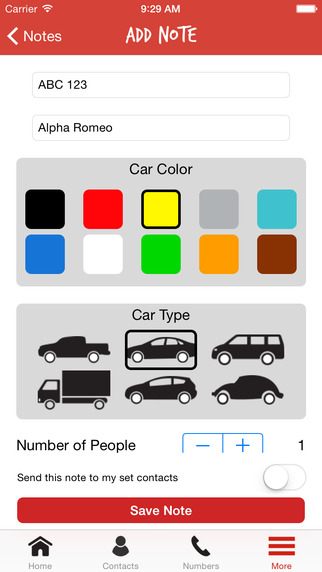
Like this the easy-to-use Notes page that allows you to simply record important details that can be stored for later recall should you require. Just tap the screen, enter the information, make sure to tap “save” and all the details will be stored in your DMF App. To recall saved information, just click on the Notes icon at the top right hand side of the screen and it will list the history details including time and date recorded. It includes Helpful Numbers commonly required for assistance. Just tap the screen and you can be easily connected to the number.
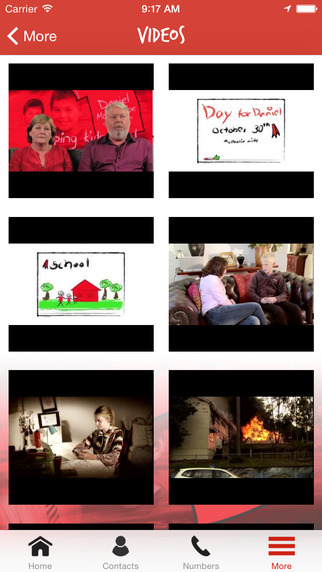
This App also provides a range of helpful resources and assistance that is designed to educate kids and parents on how to keep safe plus keep them up to date on the latest news! It offers safety and assistance for children and reassurance for parents and adults.
IDEAL FOR EVERYONE, INCLUDING:
Children and youth, elderly & seniors, shift workers, recreational enthusiasts, pregnant mums, people with medical conditions, holidaymakers, school camps,
Backpackers and more!

Bronnen: Help Me
Questions about this article
What does the ‘Help Me’ button do?
It sounds a warning and sends an SMS to two nominated safety numbers. The text includes the GPS coordinates of where it was sent, so the sender can be located or a last known place indicated.
Who is the Help Me app meant for?
It is aimed at keeping children safe but also at people of all ages, including seniors, shift workers, pregnant women, people with medical conditions, holidaymakers, school camps and backpackers.
What is the Notes feature for?
Notes lets users record important details, for example about a car, and save them with time and date in the app. Saved notes can be recalled later through the Notes icon.
Questions and answers added in 2026, based on the article above.