App: Send Help
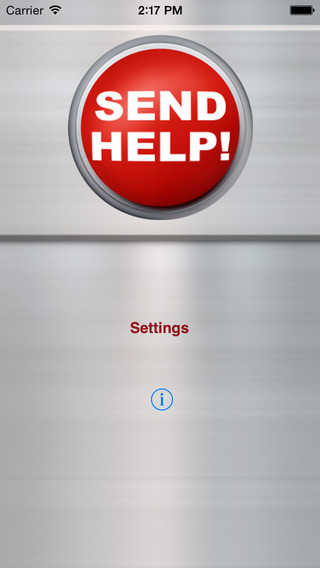
This app could get you out of trouble one day – maybe even save your life! Designed for simplicity, speed, and ease of use, this app will get your request for help out there FAST. Send SMS and emails to pre-selected emergency contacts and post your location to Facebook and Twitter, all with the click of a button.
Alert your loved ones can find you when you are in danger. Warn your friends and family of dangers or hazards near your area. Send Help is the ULTIMATE emergency SOS panic button for iPhone.
Features:
-> Simple interface – one push starts sending alerts!
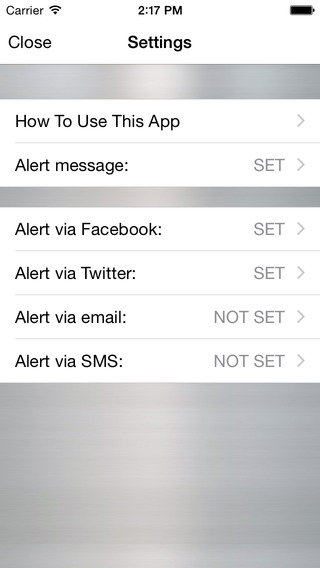
-> Pre-define your emergency message and contacts
-> Separate contacts for email and SMS
-> Post to your Facebook wall
-> Post to Twitter
-> Today view extension to launch the app and send your alerts
-> Settings page makes configuring contacts and social networking simple and easy
-> Optionally include your GPS location as a Maps link
-> Location link will even open the Maps app on supported Smart Phones!
Sources: Help Me Emergency SOS Panic Button
Questions about this article
What does the Send Help app do?
Send Help is an iPhone panic button app. One push sends your predefined emergency message to selected contacts by SMS and email, and posts it to Facebook and Twitter.
Can Send Help share my location?
Yes, optionally. The app can include your GPS location as a Maps link, which opens the Maps app on supported smartphones.
Questions and answers added in 2026, based on the article above.