App: SafeTrek
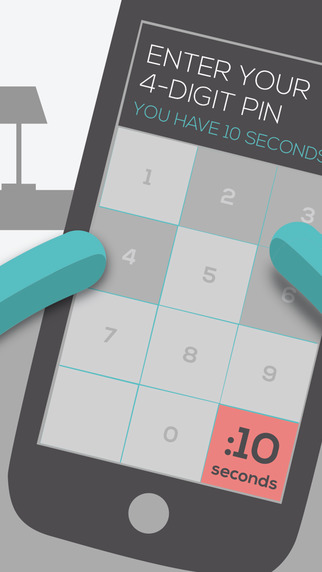
You watch or read the news, so you know the world can be a dangerous place. On the other hand, statistically, a lot of the serious dangers will never actually happen to you. So when a situation starts looking dangerous, you might hesitate to call the police until it’s too late. Instead of making the wrong decision, there’s an app you need to have one hand. It’s called SafeTrek (Android, iOS) and it works like adead-man switch (which sounds bad, but that’s what it is). Simply tap and hold the screen and the app gets ready to call the police.
If something bad happens, release the screen. If you don’t enter the disarming PIN in 10 seconds, the police get a message that you’re in trouble along with your location. If the scary situation turns out to be nothing, type in the PIN and the app will disarm. It’s simple, effective and might save your life if something bad does happen.
Source: Komando
Questions about this article
How does the SafeTrek app work?
You tap and hold the screen while you feel unsafe. If you release it and do not enter your PIN within 10 seconds, the police receive a message that you are in trouble, along with your location.
What if the situation turns out to be nothing?
You type in your PIN and the app disarms, so no alert is sent to the police.
Questions and answers added in 2026, based on the article above.