App: Neighborhood Crime Watch
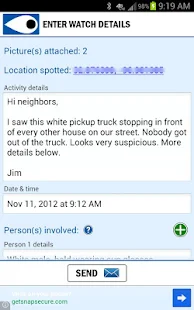
Neighborhood Crime Watch lets you quickly take pictures, spot the location of suspicious activity and share the details with your neighbors and law enforcement.
You can save the watch details in your “log book” where you can review, edit and share them again. It also lets you export and import alerts to sync them between all of your devices and other NCW users.
This app is not affiliated with USAonWatch or any law enforcement agency.
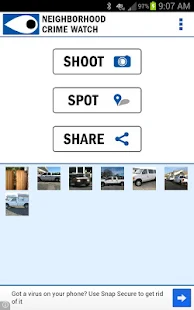
Shoot pictures using the camera and review them.
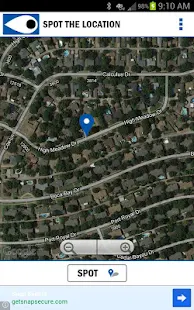
– Spot the location using GPS, cellular or wifi networks.
– Manually spot the location of the activity on a map.
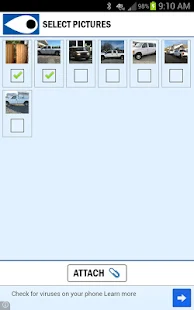
– Attach multiple pictures using thumbnails.
– Enter details of activity, persons and vehicles.
– Share them using email, SMS or other online options.
– Location is sent as a Google Maps link.
Similar community watch apps can be found here.
Sources: Neighbourhood Crime Watch
Questions about this article
What does the Neighborhood Crime Watch app do?
It lets users photograph suspicious activity, mark its location, add details about people and vehicles, and share the report with neighbours and police by email, SMS or other online options.
Is Neighborhood Crime Watch an official police app?
No. According to the article, the app is not affiliated with USAonWatch or any law enforcement agency.
Questions and answers added in 2026, based on the article above.